

So you’re probably sitting there wondering why your testing process feels like complete chaos while other teams seem to have everything figured out. Here’s the thing – most people confuse test plan and test scenario and end up using them wrong. Big mistake. These aren’t interchangeable terms you can throw around randomly. They do totally different jobs in your software testing process, and once you figure out how to properly write a software test plan versus creating good test scenarios, everything starts clicking. Tools like aqua cloud help manage both, but honestly? You need to understand what each one actually does first.
What is the test plan?
Okay, so a test plan is basically your testing game plan. It’s that massive document nobody wants to write but everybody needs. Think of it like planning a road trip – you wouldn’t just jump in your car and start driving, right? You’d figure out your route, where you’re stopping for gas, who’s driving when, what happens if it rains.
That’s what test planning does for your project. You’re mapping out everything: what you’re testing, when you’re testing it, who’s doing what, which tools you need, and how you’ll know if something actually works or if it’s broken. Without this document, your team’s just wandering around hoping they test the right stuff.
The difference is that while everyone talks about test plans, half the teams I’ve seen either skip writing them properly or create these useless documents that nobody ever looks at again.
Types of test plan
Not all test plans are the same (shocking, I know). Here’s what you might actually encounter:
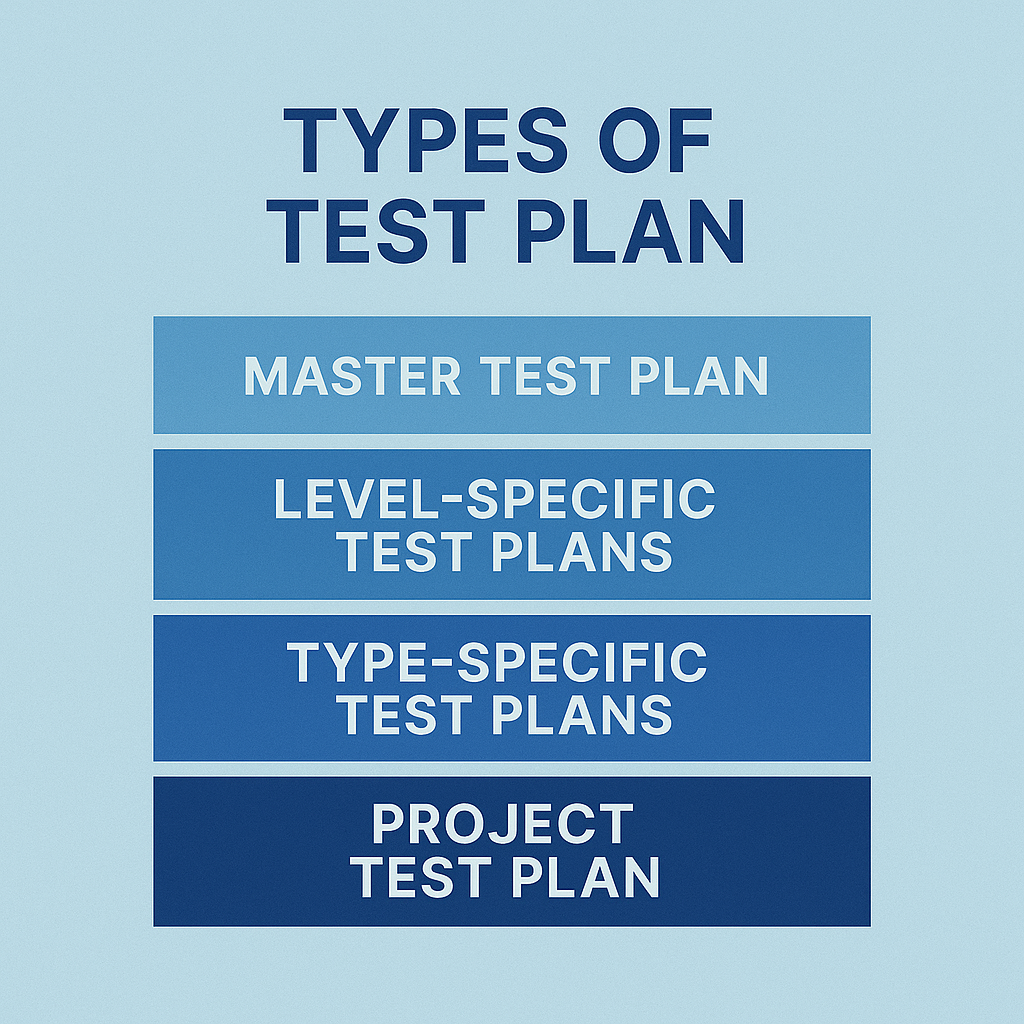
• Master Test Plan: This is the big picture document that covers your entire project. Think CEO-level overview of how testing happens across everything. Includes strategy, who does what, major deadlines – the works.
• Level-Specific Test Plans: These get into the nitty-gritty of specific testing phases. Like, you’d have separate plans for unit testing, integration testing, and system testing. Each one focuses on that particular piece of the puzzle.
• Type-Specific Test Plans: When you need specialised testing – performance, security, usability – you create dedicated plans. These dive deep into the specific methods and tools for each type.
• Project Test Plan: Made for individual projects or releases. Covers the specific testing needs, scope, and timeline for whatever you’re working on right now.
Example of test plan
Let’s say you’re testing an online shopping site. Your test plan would cover stuff like what you’re testing (user signup, browsing products, adding things to cart, checkout process), how you’re approaching it (mix of manual testing and automation), who’s doing what (maybe three QA people, two different testing environments), timeline (four weeks broken into phases), when you can start testing and when you’re done (entry/exit criteria), what could go wrong (payment system might be flaky), and what you’ll deliver at the end (reports, bug lists, final sign-off).
You’d spell out which team member handles which parts, what tools they’re using, and how everyone stays in the loop about what’s working and what’s not.
What is the test scenario?
A test scenario is way simpler. It’s just a description of something you want to test, without getting bogged down in all the detailed steps. Think of it as the “what” instead of the “how.”
These are super helpful when you’re first figuring out your testing approach because they help you spot gaps. Like, “Oh wait, we never thought about testing what happens when someone tries to buy something that’s out of stock.” They’re written in regular English that your product manager can actually understand.
The cool thing about test scenarios is they force you to think about real user journeys instead of just technical checkboxes.
Examples of test scenarios
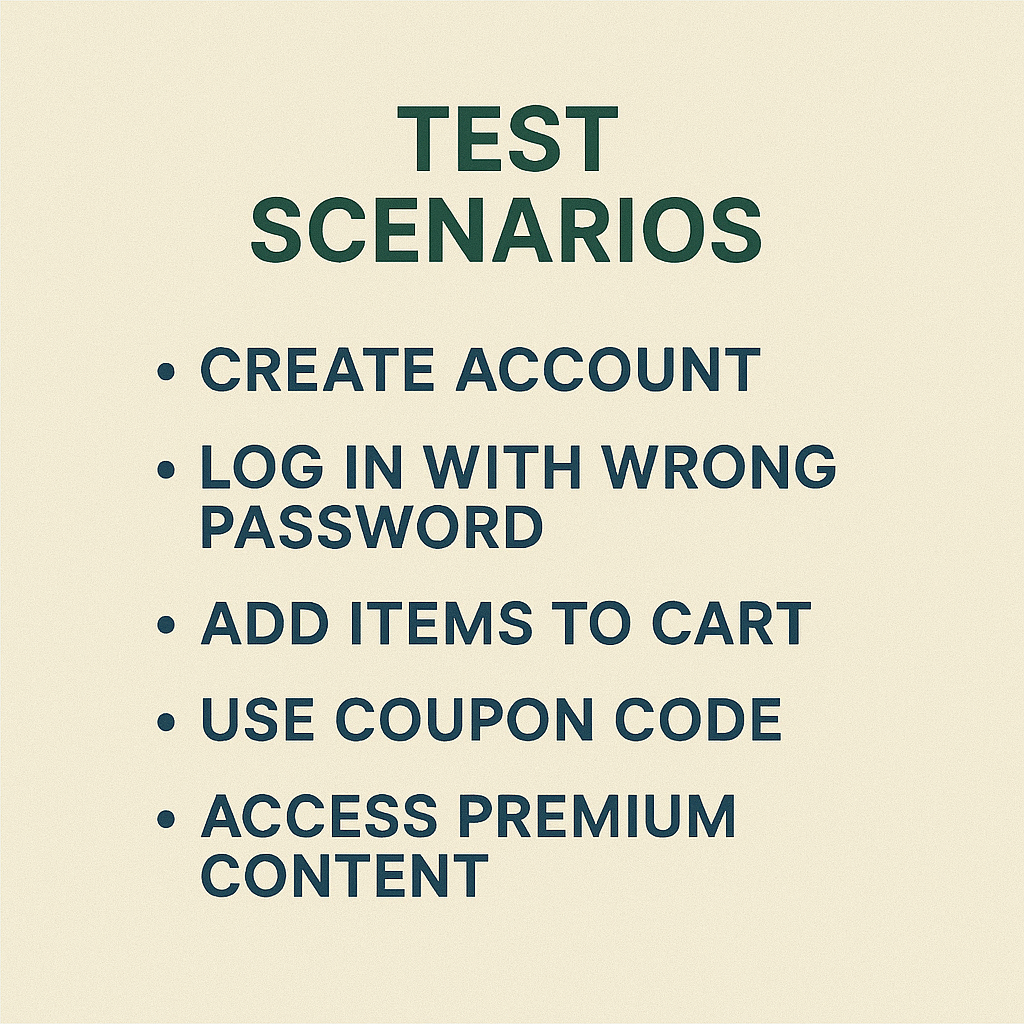
Going back to that shopping site example, your test scenarios might be things like: “Customer creates account with valid email address,” “Customer tries logging in with wrong password,” “Customer adds stuff to cart then goes to checkout,” “Customer uses a coupon code,” “Customer pays with credit card,” “Customer tries accessing premium content without paying,” “Site doesn’t crash when lots of people shop at the same time.”
See how each one describes a complete situation that needs testing? But you’re not getting into the weeds about exactly which buttons to click or what error messages should appear. That comes later when you write the actual test cases.
Comparison of test plan and test scenario
Here’s where people get confused – these things serve completely different purposes. Let me break down the key differences:
| What | Test Plan | Test Scenario |
| What’s it for? | Your overall testing strategy and roadmap | Simple description of what needs testing |
| How detailed? | Tons of documentation, multiple sections | Quick, easy-to-read descriptions |
| Who reads it? | Project managers, stakeholders, whole QA team | QA engineers, business people |
| When do you write it? | Early in project, keep updating it | During test design phase |
| What’s in it? | Scope, approach, resources, timeline, risks | User workflows, system behaviors |
| How long? | Multiple pages, sometimes 20+ pages | One sentence or short paragraph |
| How often do you update it? | Constantly as project changes | Pretty stable once you write them |
| How do you use it? | Reference for entire testing effort | Starting point for detailed test cases |
This comparison shows why you need both but shouldn’t confuse them. Test plans give you the big picture strategy, test scenarios help you figure out the actual testing work.
Conclusion
Understanding the difference between test plans and test scenarios isn’t some academic exercise. It actually matters for how well your testing works. Your test plan is like the blueprint for your entire testing operation, while test scenarios help you identify and organise the specific stuff you need to validate. When you use both correctly, testing becomes way more organized and you’re less likely to miss important things. The mistake people make is thinking these are competing approaches when they’re actually supposed to work together. Teams that get this comparison right and understand these differences ship better software with fewer last-minute surprises. Pretty simple concept, but most people still mess it up.
I appreciate you sharing this blog post about the differences between a test plan and a test scenario. Thanks Again. Cool.